 Balance
How to take deposits on Shopify
Deposits on Shopify are a purchase option, not a discount code trick or a second product. Here is the setup that works on every plan, and the settings that trip stores up.
At a glance
What you are setting up, before the detail.
- Mechanism
- Shopify deferred purchase options
- Works on
- Basic, Shopify, Advanced and Plus
- Needs an app
- Yes, unless you are on Plus
- Payment capture
- Automatic or manual, not per fulfilment
- Saved-card charging
- Shopify Payments or PayPal Express
- Setup time
- About ten minutes
The checkout the customer sees is Shopify's own. The deposit app creates the purchase option on your products and runs the collection afterwards; it does not replace or restyle anything.
How deposits work in Shopify
Shopify supports deferred purchase options: a product can be sold with a deposit charged at checkout and the rest recorded as payment terms on the order. On Shopify Payments or PayPal the customer's card is saved against the order as a payment mandate so the balance can be charged later. Shopify exposes this to Plus stores as a built-in feature; everyone else uses an app to create the purchase option and to run the collection afterwards.
The order then shows in your admin as partially paid, with the outstanding amount. That number is the one everything else works from: the hold, the reminders, the charge and the receipt.
Step by step
The order matters. The payment setting comes first because everything else depends on it.
- Check Settings, Payments in your Shopify admin: payment capture must be automatic at checkout or manual. Per-fulfilment capture does not work with deferred purchase options.
- Install a deposit app such as Balance Due and connect it. It reads your store currency and time zone and tells you whether your provider can charge a saved card later.
- Create a deposit plan: choose a percentage or fixed deposit and when the balance is due, which is a number of days after the order, an exact date, or when you mark the order ready.
- Write the storefront line the customer sees on the product page, for example Pay 25% today, balance when your order is ready.
- Attach the plan to products, a collection or a tag. The deposit option appears on those product pages next to pay in full.
- Add the app's deposit block to your product template once, under the buy buttons. It only renders on products that carry a plan.
- Write the deposit terms into the product description and your policies page: amount, when the balance is taken, refund position.
- Place a test order with Shopify's Bogus Gateway on a development store, or a real low-value order, and watch the schedule email, the hold and the balance charge.
- Leave the fulfilment hold on so nothing ships before the balance clears, and decide who gets the morning digest.
Settings that trip stores up
Four things that account for most of the support emails about deposits on Shopify.
Per-fulfilment capture
Deferred purchase options need capture at checkout, automatic or manual. If your store is set to capture when fulfilled, switch it before anything else.
A theme that hides purchase options
Every current Shopify theme renders them. Some older customised themes need the selling plan selector re-enabled in the product form.
A provider that cannot save a card
Deposits still work, but the balance is collected by a Shopify payment link rather than an automatic charge. The reminders and the hold are the same.
Expecting POS or draft orders
Deferred purchase options are an online checkout feature. A deposit taken at the till or on a draft order is a different mechanism with no saved card.
Choosing the deposit and the rule
Two decisions, and the trade usually makes them for you.
| Business | Usual deposit | Balance rule |
|---|---|---|
| Made to order, furniture, joinery | 30% to 50% | When the order is ready |
| Bespoke jewellery, tailoring, upholstery | 50% | When the order is ready |
| Bridal | 50% | A number of days after the order |
| Pre-orders, limited runs | 10% to 25% | Exact date, or ready if the date moves |
| Event and equipment hire | 25% to 30% | Exact date, moved per booking |
| Commissions, art, instruments | 30% to 50% | When the order is ready |
Enough to cover what you commit to at order, materials, the designer's invoice, the stone, plus something for your time. The trade pages go into each of these in detail.
Policy wording that protects you
Say what the deposit is, whether it is refundable and from what point, when and how the balance is taken (from the same card, on a date or when the order is ready), and what happens if the balance cannot be taken (the order is held, and after the retries it is treated as cancelled or referred). Keep it to a paragraph and repeat it on the payment messages; Balance Due does this automatically with the policy text in its settings.
In UK consumer law a deposit is usually treated as a payment towards the price that may be non-refundable if you say so clearly before purchase and the amount is reasonable. Goods made to the customer's specification are usually outside the 14-day cancellation right, but only if you have said so before they buy. This is general information rather than legal advice, so check your wording with an adviser.
A wording that works for most trades: 'The 40% deposit covers materials and is non-refundable once work begins. The balance is taken from the same card on the day your order is ready. If it cannot be taken, your order is held until it is.'
Collecting the balance
The part most stores underestimate.
On the day
The balance has to be charged on the right day, at a sensible hour, with a receipt sent afterwards and the hold released. Done by hand that is a diary entry per order.
- Charged at 9am store time on the due date
- Receipt sent within minutes
- Fulfilment hold released and the order tagged paid
When it fails
Cards expire inside the lead time of most made-to-order work. A failed charge needs a payment link, a retry schedule and somebody who notices when it keeps failing.
- Payment link that accepts any card, sent on the first failure
- Retries after 1, 3 and 7 days
- Overdue flag and an alert to you after the fourth failure
When the order changes
Edits, refunds and payments taken over the phone all change the outstanding amount. The schedule has to follow the order, not the other way round.
- Upward edits add to the balance
- Refunds reduce it
- A payment recorded in Shopify closes the plan
Doing that by hand on twenty open orders is a part-time job. See automatic balance collection for exactly what Balance Due does at each step.
Doing it without an app
On Plus, use Shopify's built-in deposits. On other plans the workaround is a separate deposit product and a draft order for the balance, which has no saved card, no automatic charge and no hold. It works for a handful of orders and becomes admin work beyond that. The guide to deposits without Plus weighs the three routes.
The deposit is the easy half. The balance is where the time goes, and it is the half an app is for.
Related

Deposits
The plan editor in detail.
Deposits without Shopify Plus
What non-Plus stores can do.
How it works
One order, start to finish.

Partial payments on Shopify
Deposits, pay links and BNPL: which partial payment is which.

Pre-order deposits
Deposit on a product that is not in yet, balance when it lands, dates that slip.
When a balance payment fails
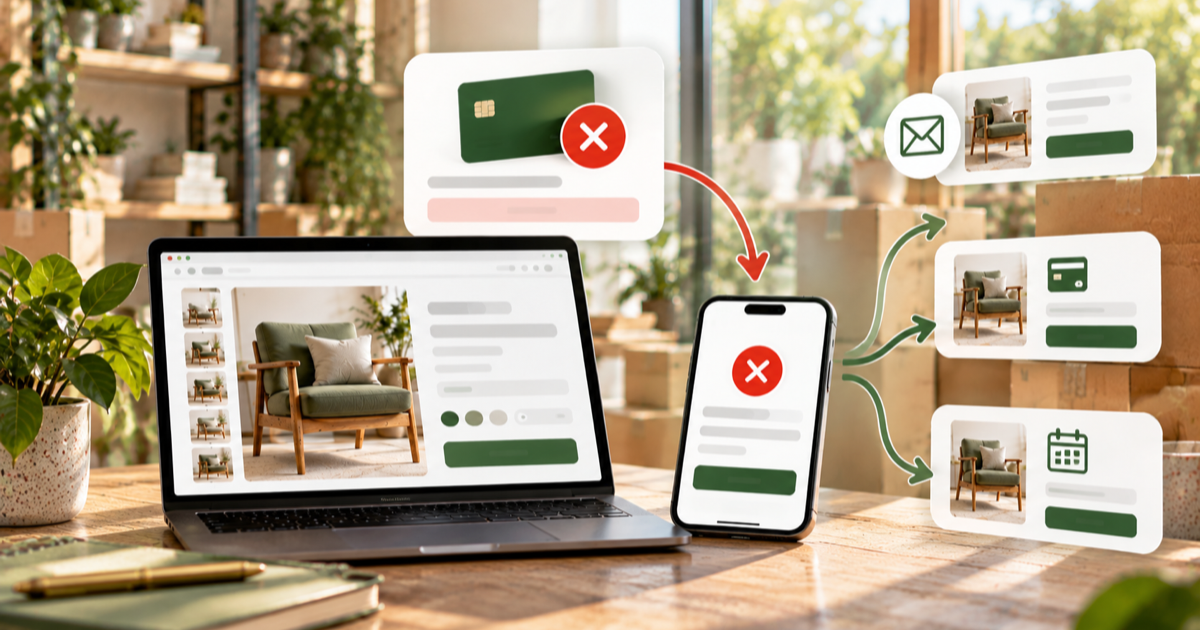
What happens automatically, what to do next, and when to give up.
Questions
Can I take a deposit without an app?
On Plus, use Shopify's built-in deposits. On other plans the workaround is a separate deposit product and a draft order for the balance, which has no saved card, no automatic charge and no hold. It works for a handful of orders and becomes admin work beyond that.
Is a deposit legally different from a part payment?
In UK consumer law a deposit is usually treated as a payment towards the price that may be non-refundable if you say so clearly before purchase and the amount is reasonable. This is general information, not legal advice; check your policy with an adviser.
What percentage should I take?
Enough to cover what you commit to at order (materials, the designer's invoice, the stone) plus something for your time. 25% to 50% is typical; bespoke work often takes 50%.
Do I need Shopify Plus?
No. Deferred purchase options, payment terms, payment mandates and fulfilment holds are available to apps on every plan.
Will my checkout look different?
No. The deposit is shown as an amount due now with the balance due later, in Shopify's own checkout, with your taxes, discounts and shipping rules unchanged.
Which payment providers can charge the balance automatically?
Shopify Payments and PayPal Express. On other providers the customer gets a Shopify payment link on the due date instead.
Can I test it without a real card?
Yes. Shopify's Bogus Gateway on a development store lets you place a deposit order, see the schedule email and the hold, and watch the balance charge.
How do I take a deposit on a job I quoted by hand?
Create a product per job type with the price set per order through a variant, attach the plan, and send the customer the link once they accept. The order comes through checkout, which is what saves the card for the balance.
Ready to set one up?
A first deposit plan takes about ten minutes, and the Free plan covers a real order end to end.