 Balance

Customer payment page
One short link the customer can open on their phone to see exactly where their order stands.
At a glance
The page in one panel.
- Where it lives
- Your storefront, under /apps/balance-due/
- Login needed
- None, a private link per order
- Looks like
- Your theme, with your header and footer
- Shows
- Schedule, paid, remaining, status
- Pay now
- Saved card, or Shopify payment link
- Linked from
- Every email and every text
It is served through Shopify's app proxy on your storefront domain, so the customer never leaves your site and never sees a third-party address.
What is on the page
Everything a customer would otherwise email you to ask.
The order
The order number and what was bought, so the page makes sense months after checkout when the confirmation email is long gone.
The money
Deposit paid, balance remaining and the total, with every scheduled payment listed by date and status: scheduled, paid, retrying or overdue.
Pay now
One button. On mandate stores it charges the saved card; on pay-link stores it opens Shopify's own payment link, which accepts any card.
Your terms
Your deposit policy text and your contact details, so the customer can read the terms again and knows who to call.
How customers reach it
The link is in the schedule email, every reminder, every receipt and every text. Texts use a short balance-due.com/m/ link so they fit in one message, which then opens the page on your storefront.
The link carries a private token and needs no login. Anyone with the link can see the schedule, which is the same trade-off as Shopify's own order status page, and the same reason not to post it anywhere public.
No account, no password reset, no 'did my payment go through' email. The page answers the question before it is asked.
What customers can and cannot do
What they can do
See where the order stands and pay the balance early. Both are things that used to generate an email to you.
- Check what has been paid and what is left
- See the date of the next payment and whether it is scheduled, retrying or overdue
- Pay the whole outstanding balance now with the pay now button
What they cannot do
Change dates, amounts or the card on file. Those are merchant actions, taken from the order in Balance Due, and a customer who wants to change something is told to contact you.
- No rescheduling from the customer side
- No changing the saved card, though a failed payment can be settled with any card through the payment link
- No cancelling the order from the page
Where it fits in the order
The page is linked at every step, so it is always one tap away.
- 1
Checkout
Deposit taken
The schedule email arrives with the link. Most customers open it once, see the date, and close it.
- 2
Three days before the balance
Reminder sent
The reminder carries the same link. A customer who wants to settle early can press pay now here.
- 3
Balance day
Balance charged
The receipt links to the page, which now shows nothing left to pay and the order as complete.
- 4
If a payment fails
Payment link sent
The failed-payment notice links to the page, where the status reads retrying and the pay now button opens Shopify's payment link for any card.
The emails it replaces
Three questions that used to land in your inbox, and now land on the page.
| The customer used to ask | What the page shows | What you do now |
|---|---|---|
| Did my deposit go through? | Deposit paid, with the date and the amount | Nothing |
| How much do I still owe, and when? | Balance remaining and the date of the next payment | Nothing |
| Can I pay the rest now? | A pay now button that settles the whole balance | Nothing, the receipt goes out automatically |
| My card has changed, what do I do? | Status retrying, and a payment link that takes any card | Nothing, unless it goes overdue |
The one question the page does not answer is 'can I change the date', and it tells the customer to contact you, because that is a decision you should make from the order.
Branding and theme
The page inherits your theme and shows your store name and your policy text. The layout itself is fixed, because a payment page should look the same from one store to the next: amount, date, status, button. What changes is the frame around it, which is your own storefront's header, footer and typography.
One page per order. A customer with several deposit orders gets a separate link for each, so there is never any doubt which order a payment is for.
Because the page is on your domain under /apps/balance-due/, it is not indexed by search engines and it is not something you need to add to your navigation. It only exists at the end of a private link.
Related
Reminders and receipts
Every message that links here.
Automatic balance collection
What the pay now button settles.
How it works
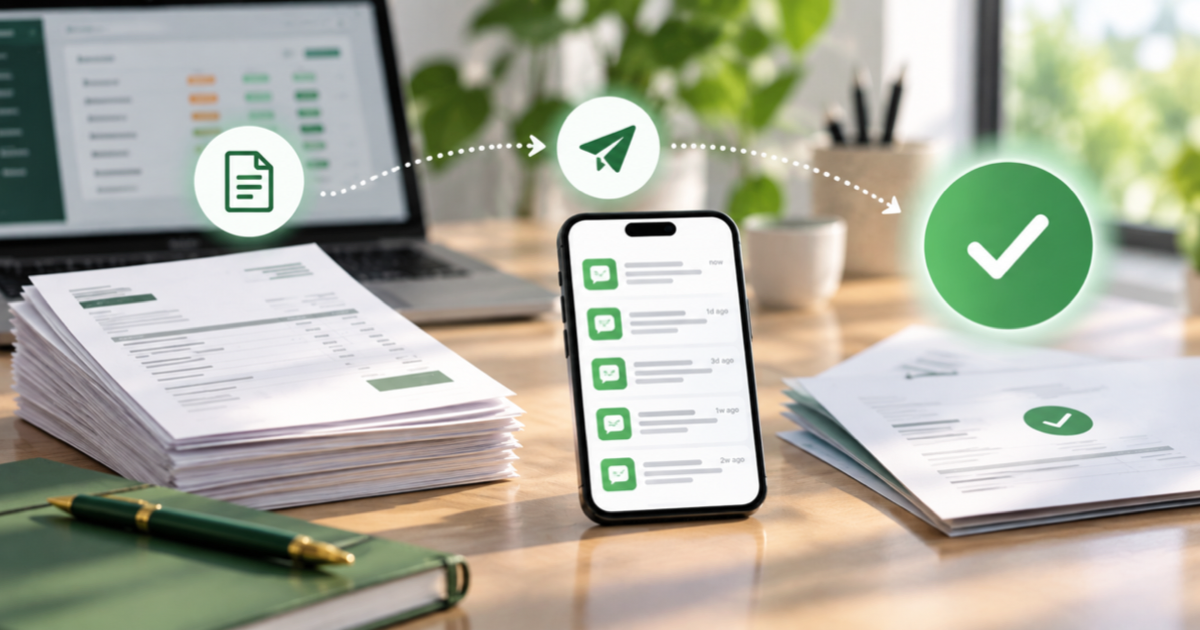
What the customer sees at each step.
Deposits
Percentage or fixed, on the products you choose, as a normal Shopify purchase option.
Hold fulfilment until paid
A Shopify fulfilment hold on every deposit order, released when the balance clears.
Questions
Is the page on my domain?
It is served through Shopify's app proxy on your storefront domain, under /apps/balance-due/, with your theme's header and footer.
Can I brand it?
It inherits your theme and shows your store name and policy text. The layout itself is fixed.
Does it show past orders?
One page per order. Customers with several deposit orders get a separate link for each.
Does the customer need an account?
No. The link in each email or text carries a private token and opens the page directly.
Can the customer change the card on file?
Not from the page. If the saved card fails, the payment link in the failed-payment notice and the pay now button accept any card, so the balance can still be paid with a new one.
What happens if the link is forwarded to someone else?
Anyone with the link can see the schedule and pay the balance, the same as Shopify's own order status page. It cannot be used to change the order or see card details.
Does pay now charge the saved card?
On stores where Shopify saved the card at checkout, yes. On stores whose provider cannot charge a saved card, it opens Shopify's payment link instead.
Is the page on the Free plan?
Yes. Every message on every plan links to it.
See the whole flow
The how-it-works page follows one order from the product page to paid in full.